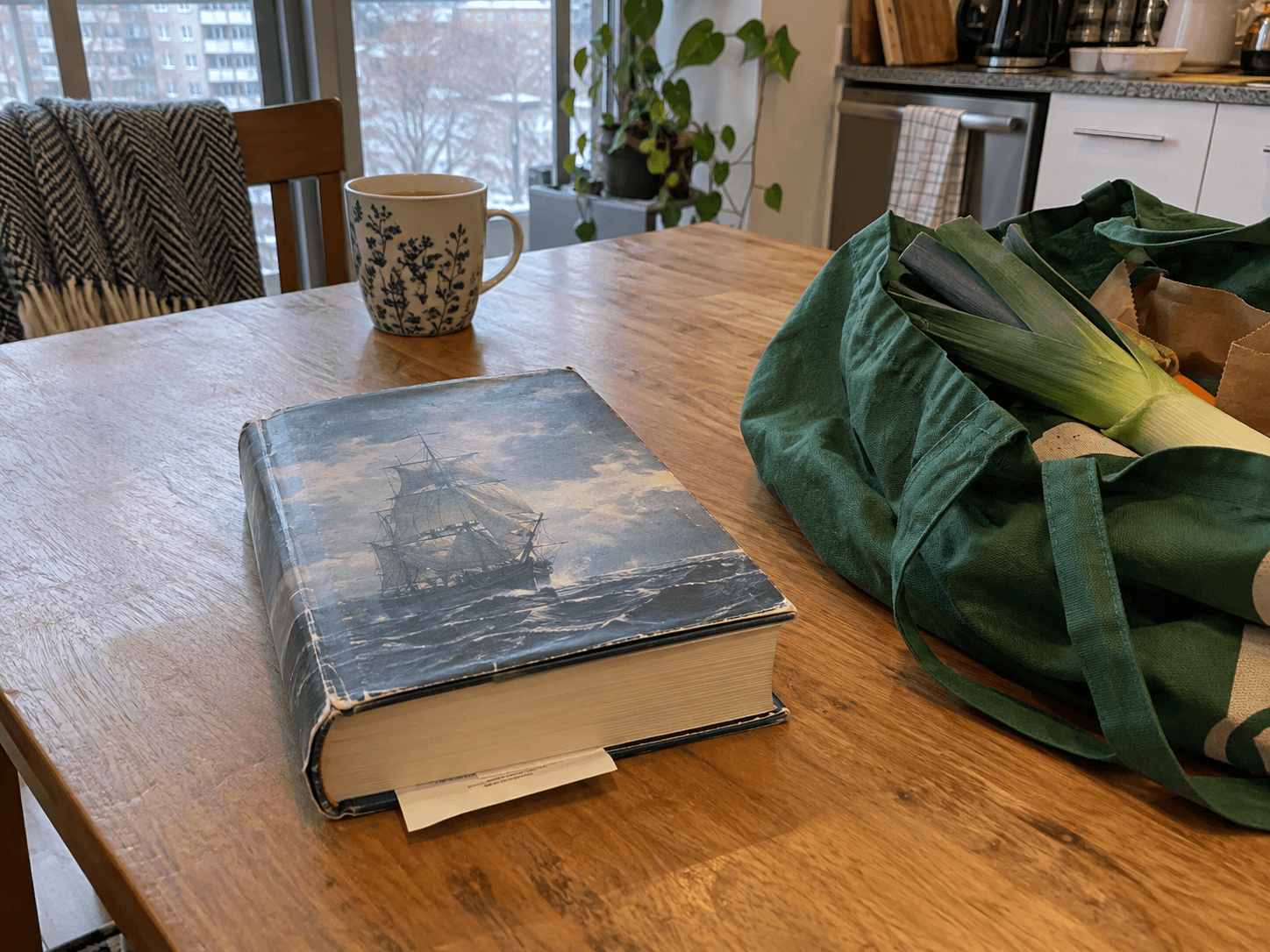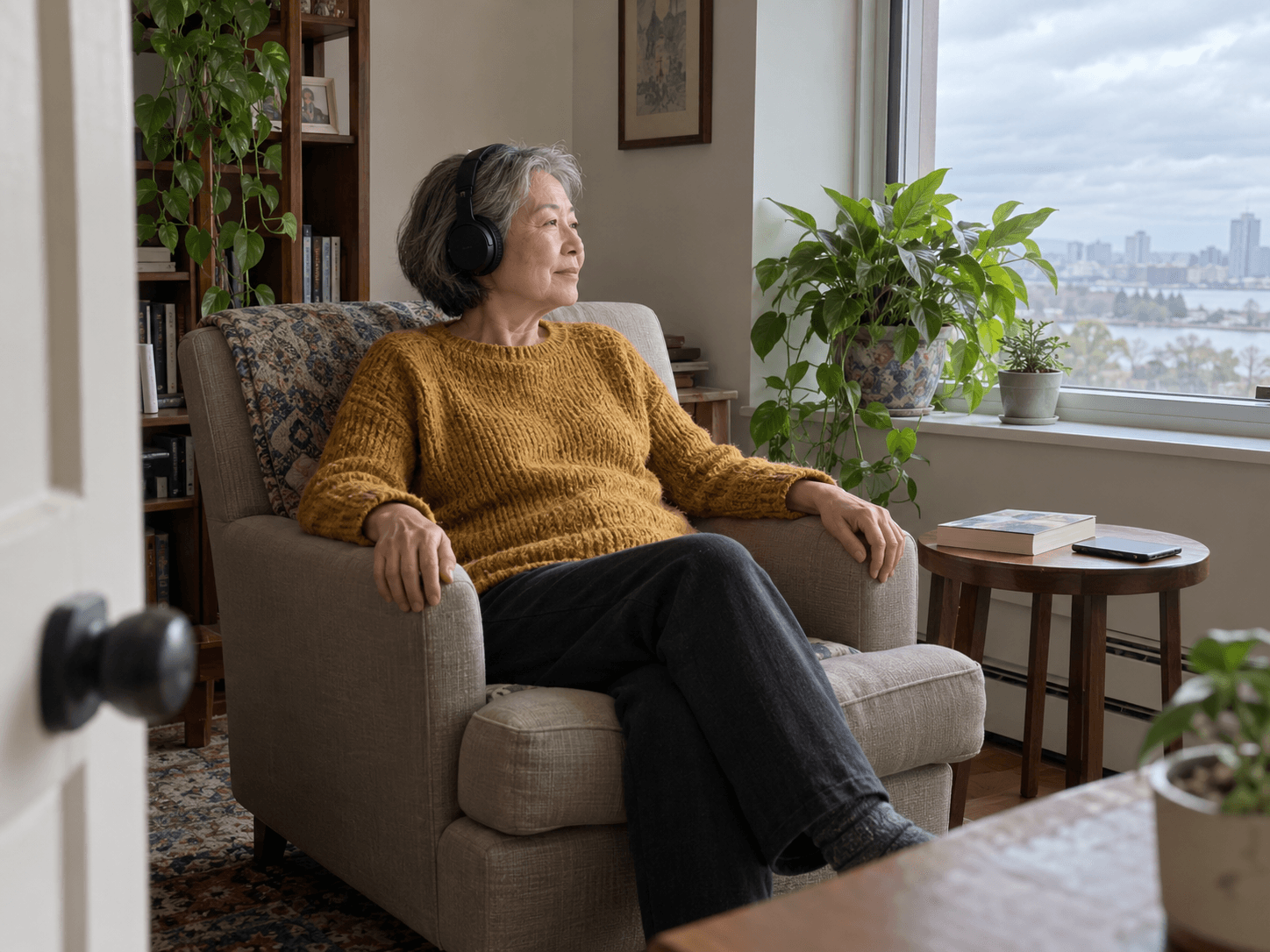
For leisure reading, start with a useful question: which version makes you want to return to the book? You do not need to defend audio to someone who prefers print, or buy an ereader because somebody else finds it convenient. Different books and different days can suit different formats.
Try a small sample before committing.
For audio, listen long enough to hear the narrator in ordinary passages as well as the opening. Notice whether the pace, accent, dialogue and recording are comfortable for you. A book you like on paper may have a performance you do not enjoy. That is a reason to try another edition or format, not evidence that listening is wrong for you.
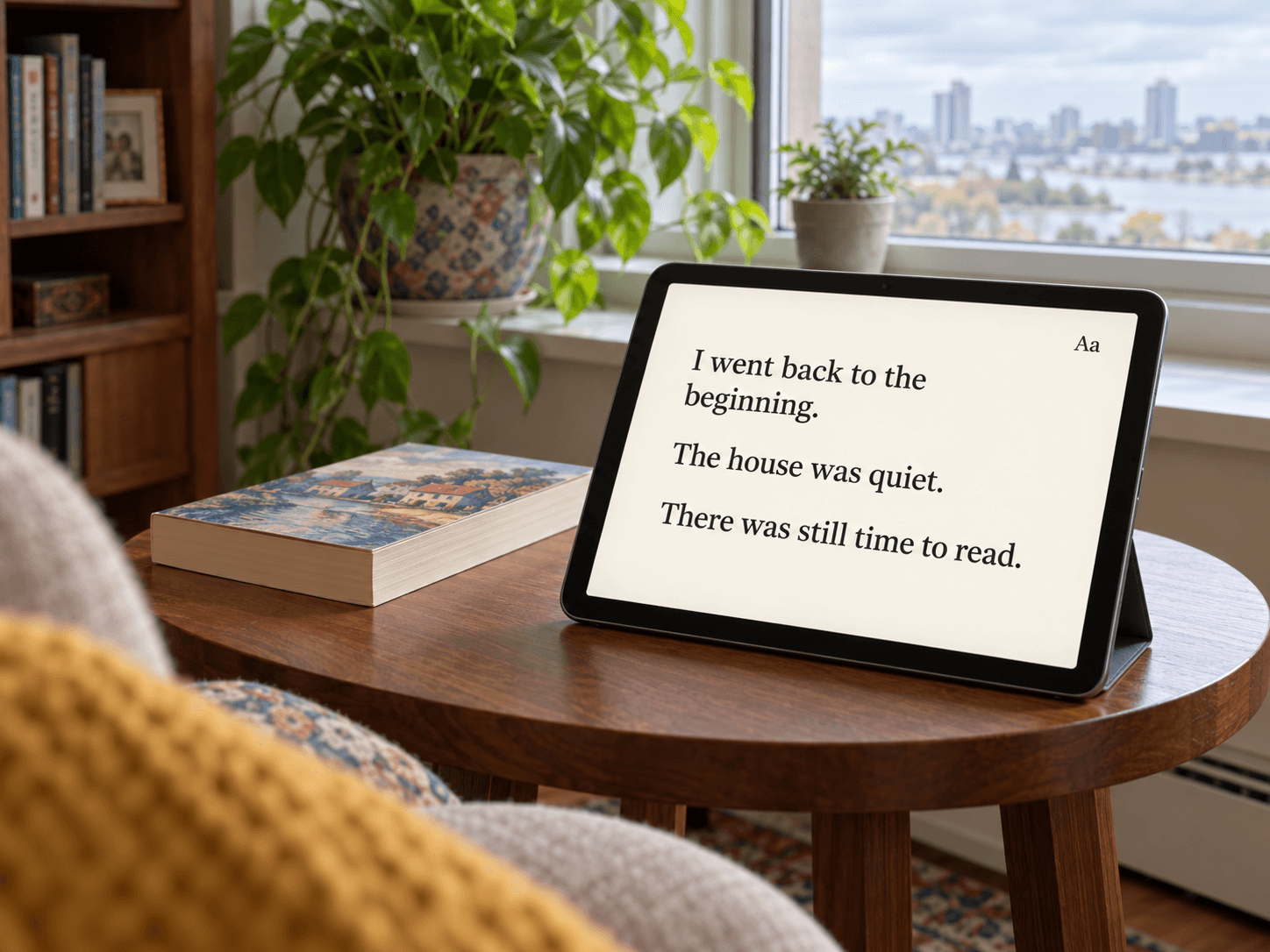
With print, open the book and check the type, contrast, weight and how comfortably it stays open. For an ebook, try the actual device and app: enlarge the text, change the layout and practise moving between pages. The controls you can use comfortably matter more than the feature list.
Think about what you will want to revisit.
A novel may work well while you sit and listen. A book full of maps, illustrations or recipes may leave you wanting a visual edition close by. Check whether an audiobook includes accompanying material, where it is available and whether your borrowing or purchase includes access. Do not assume every edition contains the same extras.
If you like rereading a sentence, try the rewind or bookmark controls before settling in. If you often lose your place while doing another task, try listening without that task. You can also pause, go back, or choose print. There is no requirement to make every chore educational.
Check what you can borrow.
Toronto Public Library lists ebooks and audiobooks through OverDrive. Its current service page is a useful starting point for supported apps, access and help. Check the title and format in the catalogue rather than assuming a print holding means the audio edition is available too.
Before paying for a service, check the particular books you want, the borrowing or listening limits, device compatibility and what happens when the subscription ends. A large catalogue is not the same thing as access to the three titles on your list.
You can use more than one format without creating a system to manage them. Keep a paperback at home, listen to a different book when it suits you, or change formats partway through. If the versions are different editions, use the chapter headings to find your place rather than expecting page numbers to match.
The useful result is time spent with a book you chose. Finishing faster, collecting a streak or proving that one format is superior can remain somebody else's hobby.
Notes & citations
Article details
- Published