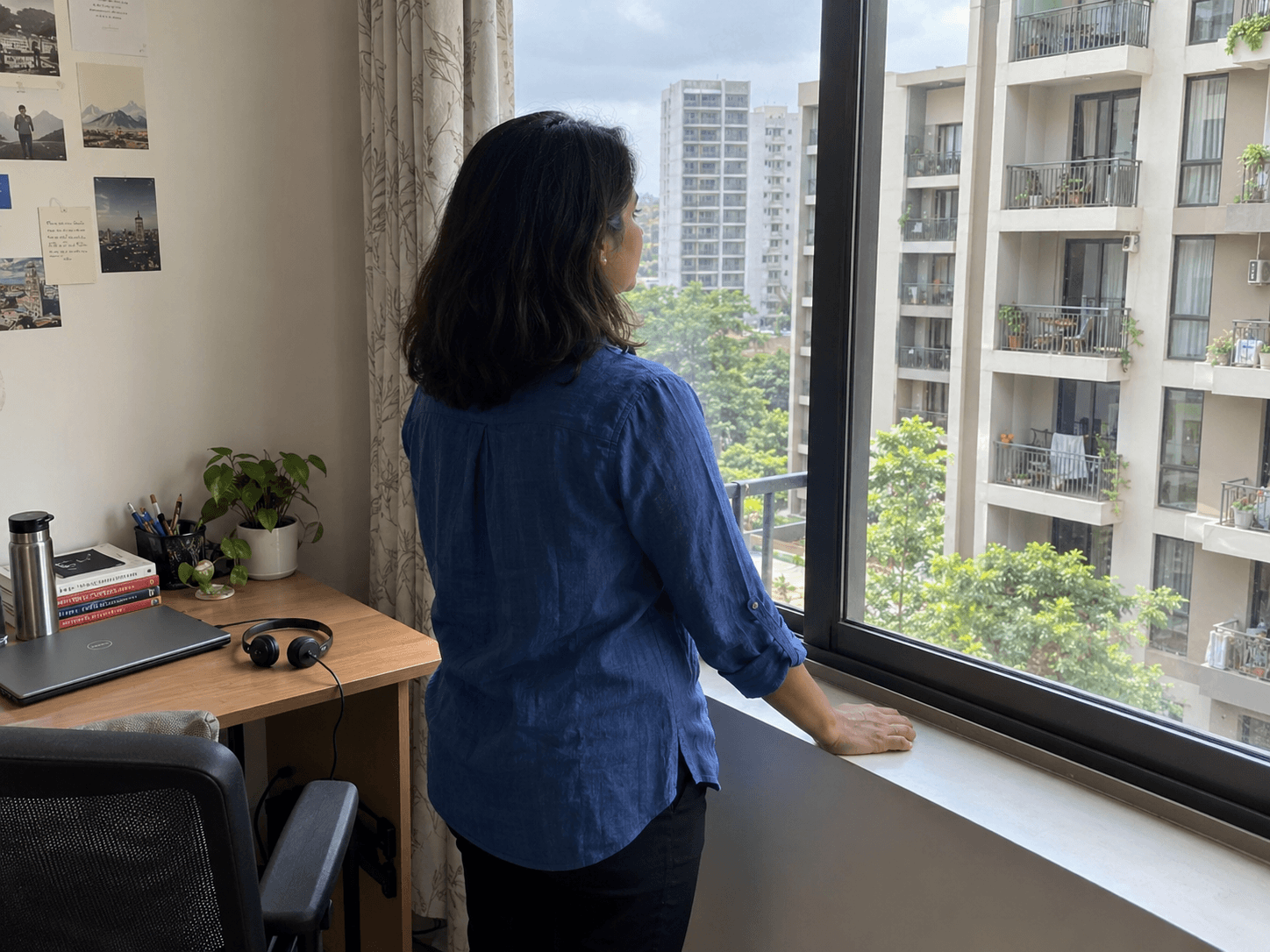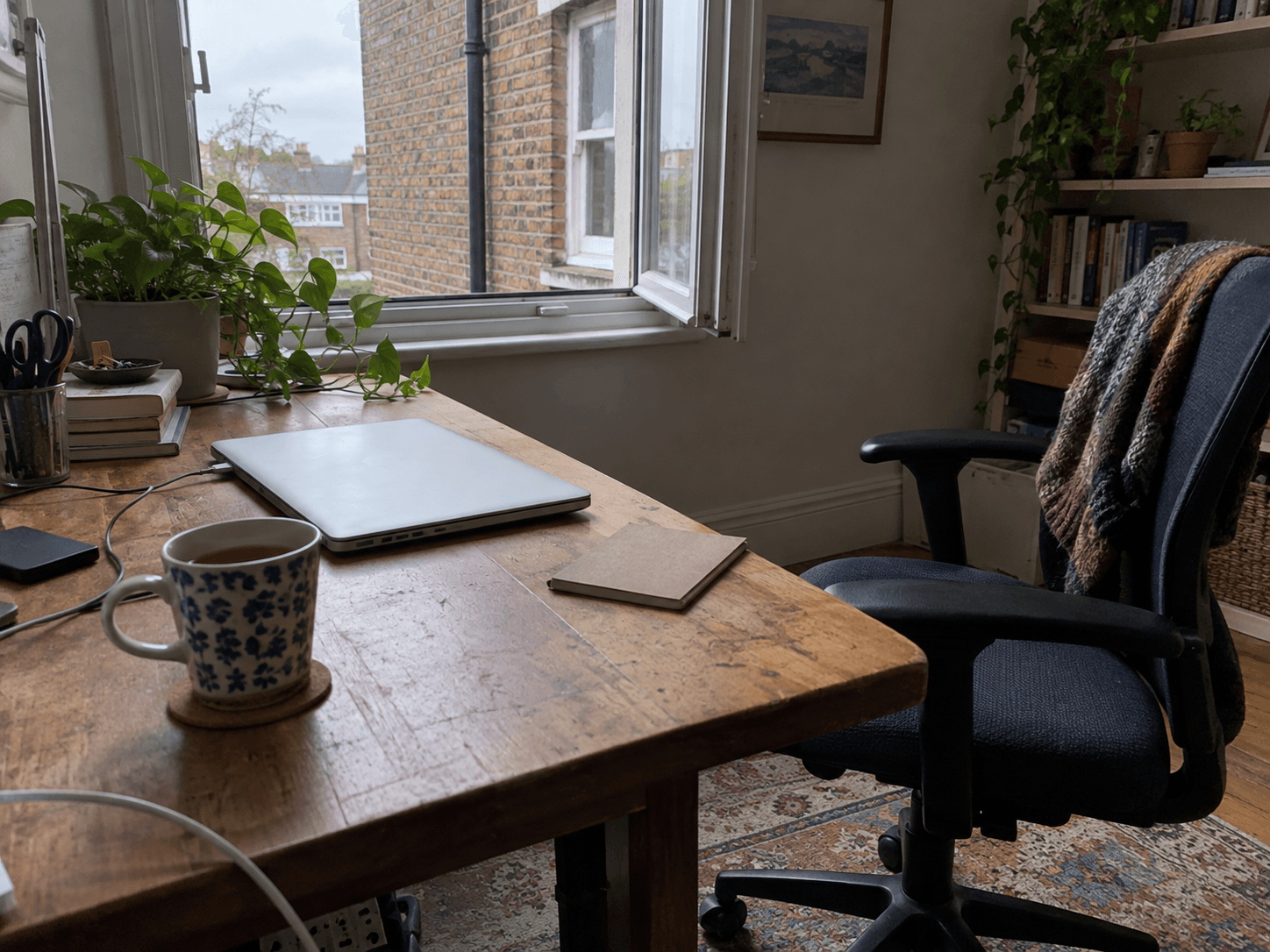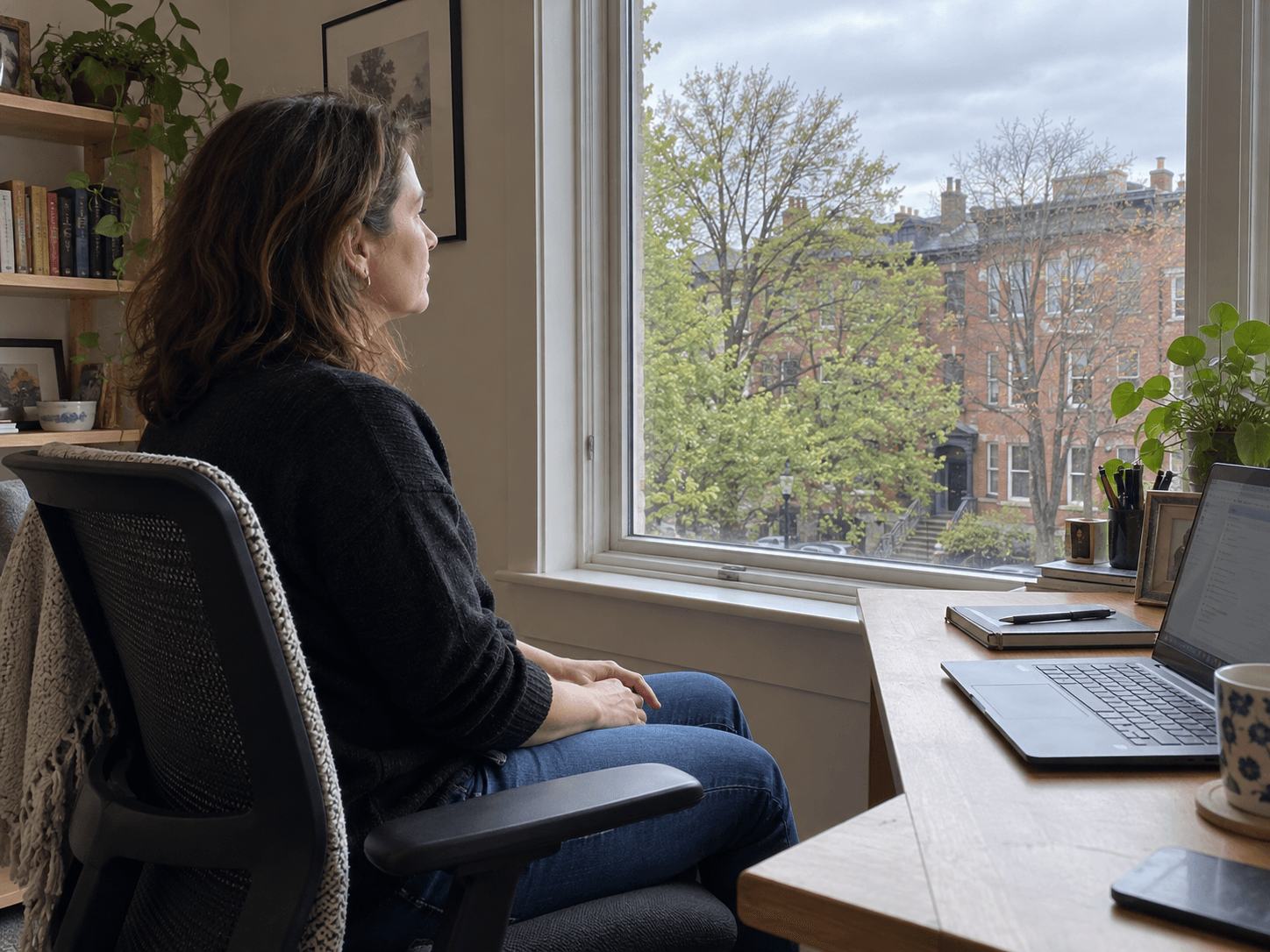
When a screen break consists of reading messages on a smaller screen, your eyes may still be doing close work. Choose a pause that actually changes what you are looking at.
Give distance a turn.
The American Academy of Ophthalmology recommends looking away periodically, including the familiar 20-20-20 reminder: every 20 minutes, look at something about 20 feet (six metres) away for 20 seconds. Treat it as a prompt to interrupt prolonged close work, not a guarantee that all symptoms will disappear.
The Academy also highlights blinking and comfortable viewing conditions. Small text, reflections and an awkward screen position are worth addressing rather than tolerating throughout the day.
Make the setup easier to use.
Start with the thing making the screen hard to read. OSHA's workstation guidance recommends a readable viewing distance, suitable text size and a position that avoids glare.
- Enlarge small text before leaning towards the display. Keep the screen at a distance where you can read without bending forward.
- Reduce window reflections: adjust the blind or move the display so it sits at a right angle to the window where possible.
- Put the main screen in front of you, with its top at or below eye level. Bifocals or other individual needs may require a different setup.
- Choose something farther away to look at during the pause. Another feed can wait.
If discomfort, headaches or changes in vision persist, arrange an eye-care assessment. A professional can consider your eyes and prescription; a timer cannot determine the cause.
For a long computer day, combine eye breaks with changes in task and position. The practical question is what you have been asking yourself to do continuously, and how to interrupt it.
Notes & citations
Article details
- Published
- Updated