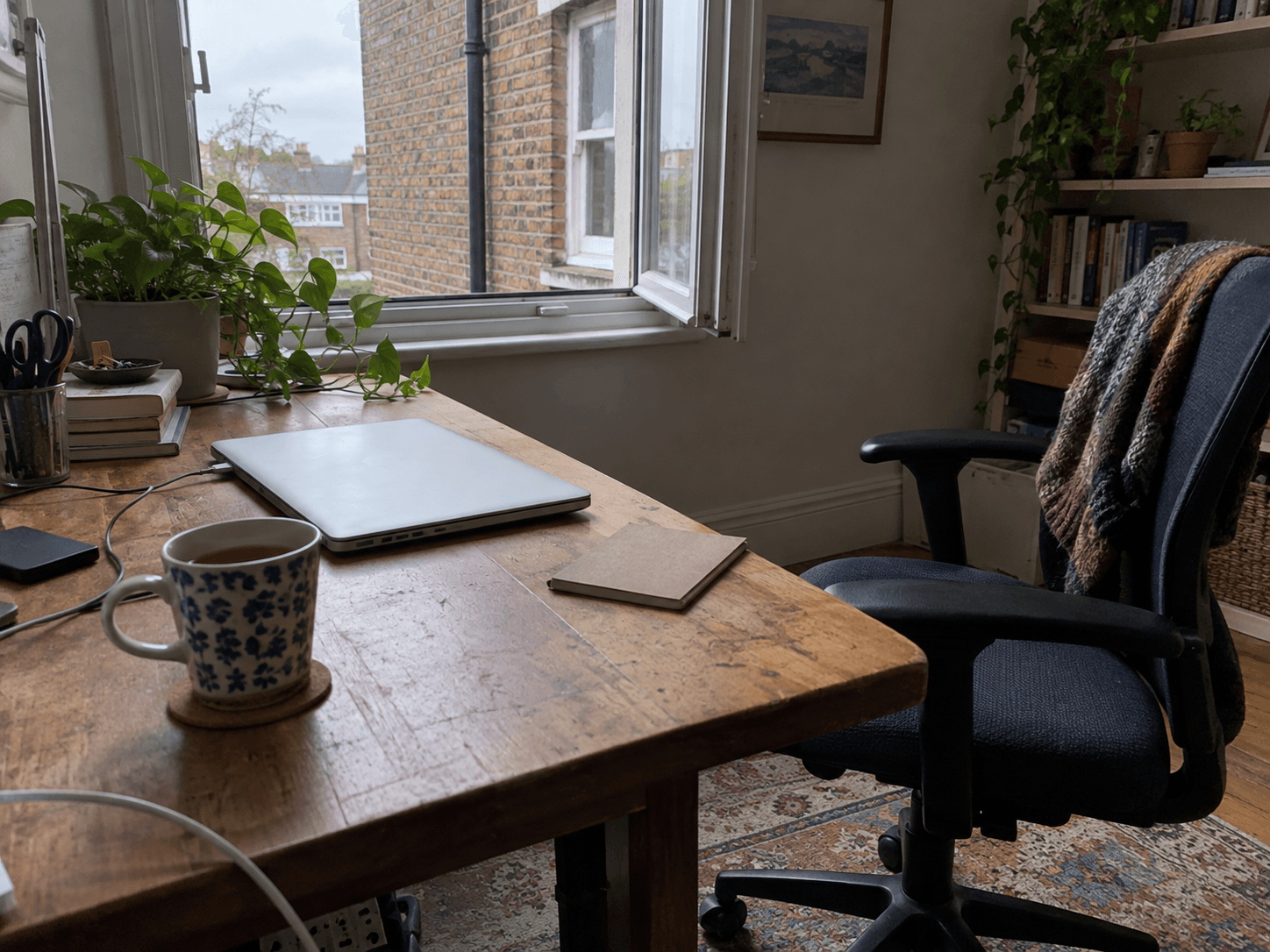
A break is easier to choose when you name what you have been doing. A long video call, close reading and an hour in the same position can each suggest a different change.
Change something specific.
After close screen work, look away from the display. After a long period in one position, choose a comfortable change of position or an accessible activity away from the workstation. Replacing a laptop with a phone may leave much of the original task unchanged.
CCOHS notes that a sit/stand desk still needs appropriate setup and breaks away from the computer. Standing continuously is not the goal; the guidance emphasises varying position according to your needs.
Match the pause to the work you have just finished. Choose one change that fits:
- After a long call: put the headset down and choose a comfortable change of position before opening the next task.
- After typing or using a mouse: leave the keyboard alone for a moment. Rest your hands comfortably without picking up the phone.
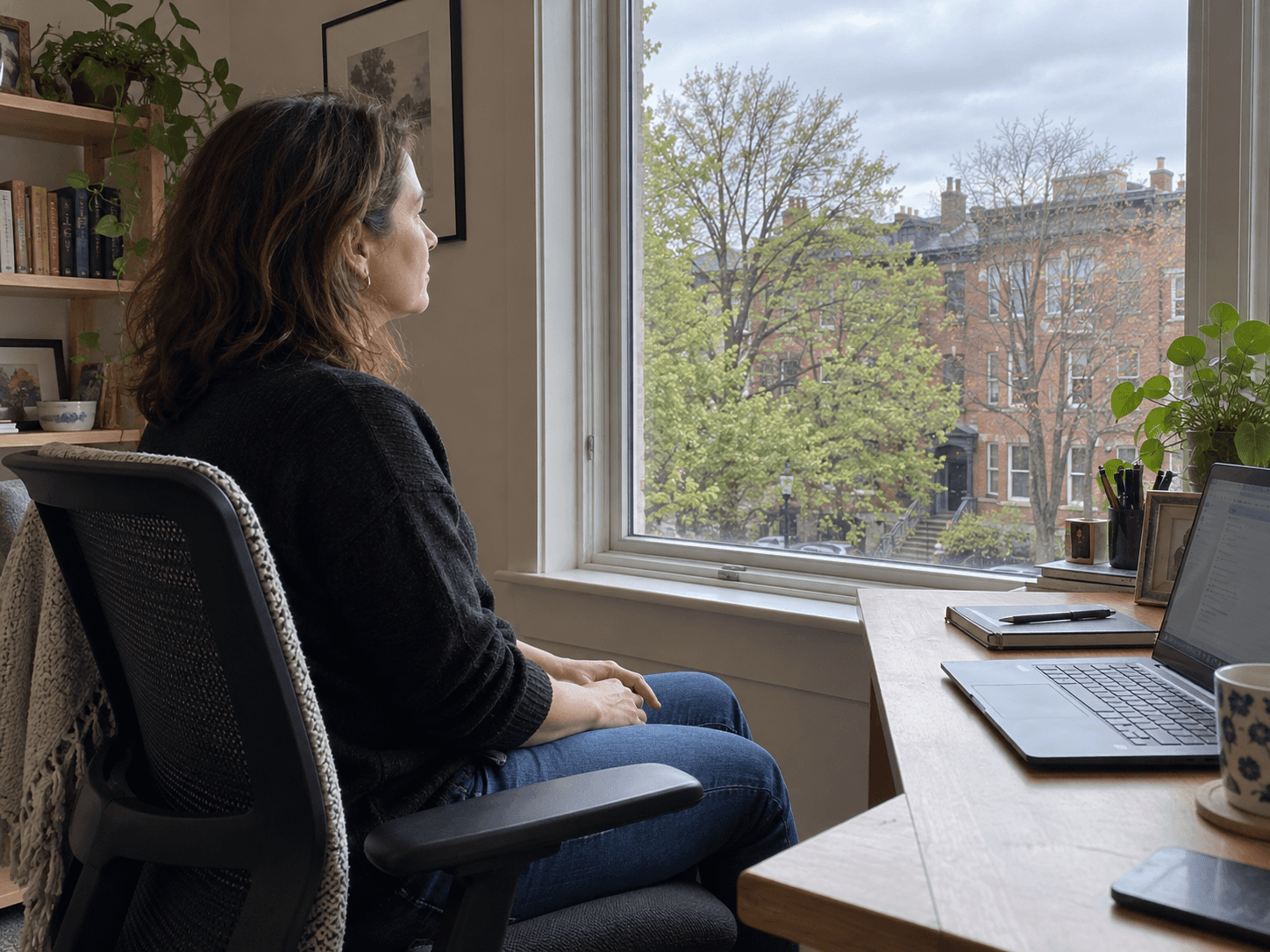
- After close reading: look beyond the desk. Checking messages on a phone keeps the close-up work going.
Put it where the work allows.
Try a natural boundary: a call ending, a document sent or a scheduled rest period. If the job requires continuous cover, arrange that cover with the team. A reminder is only useful when the working arrangement lets you respond to it.
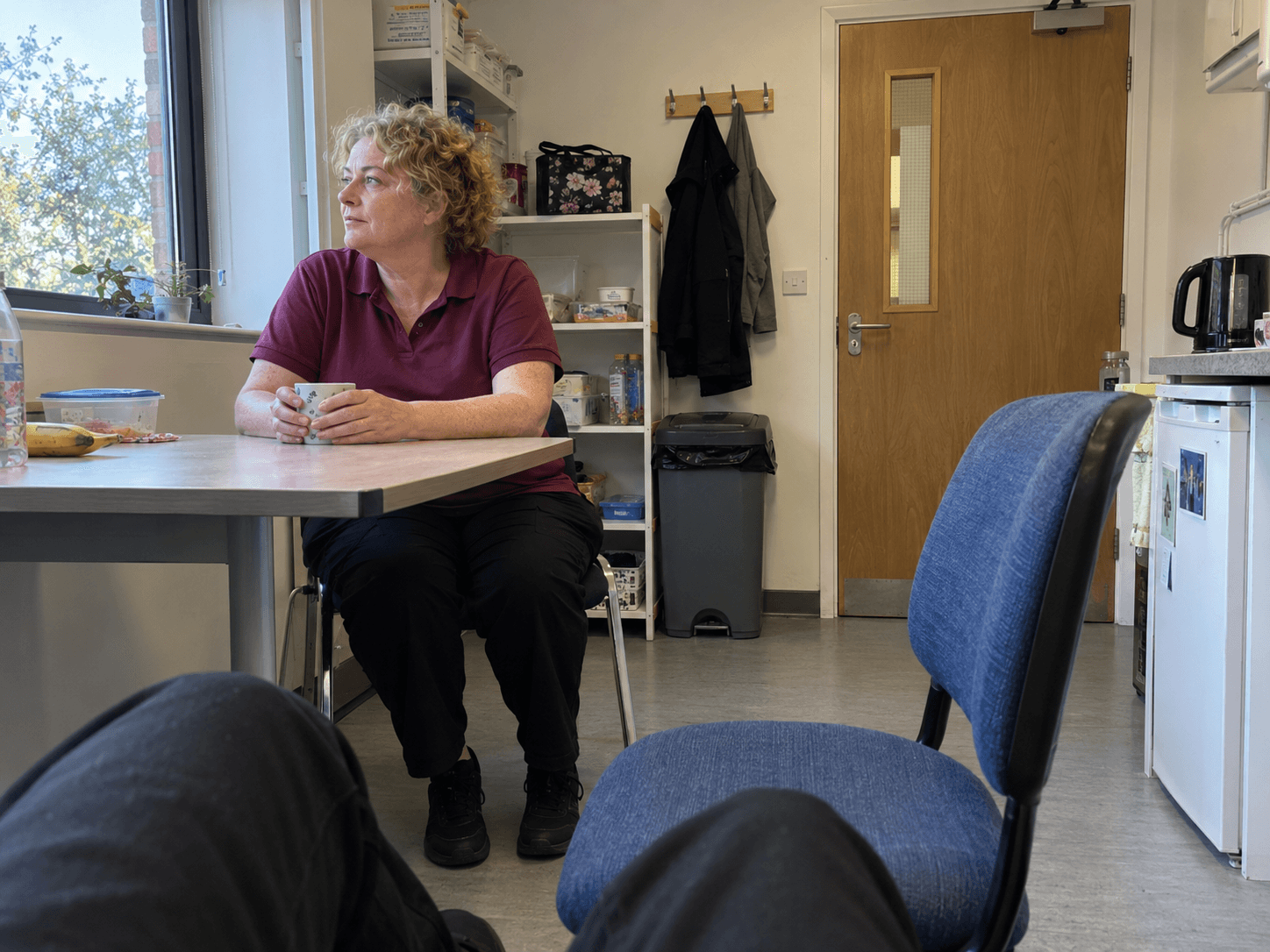
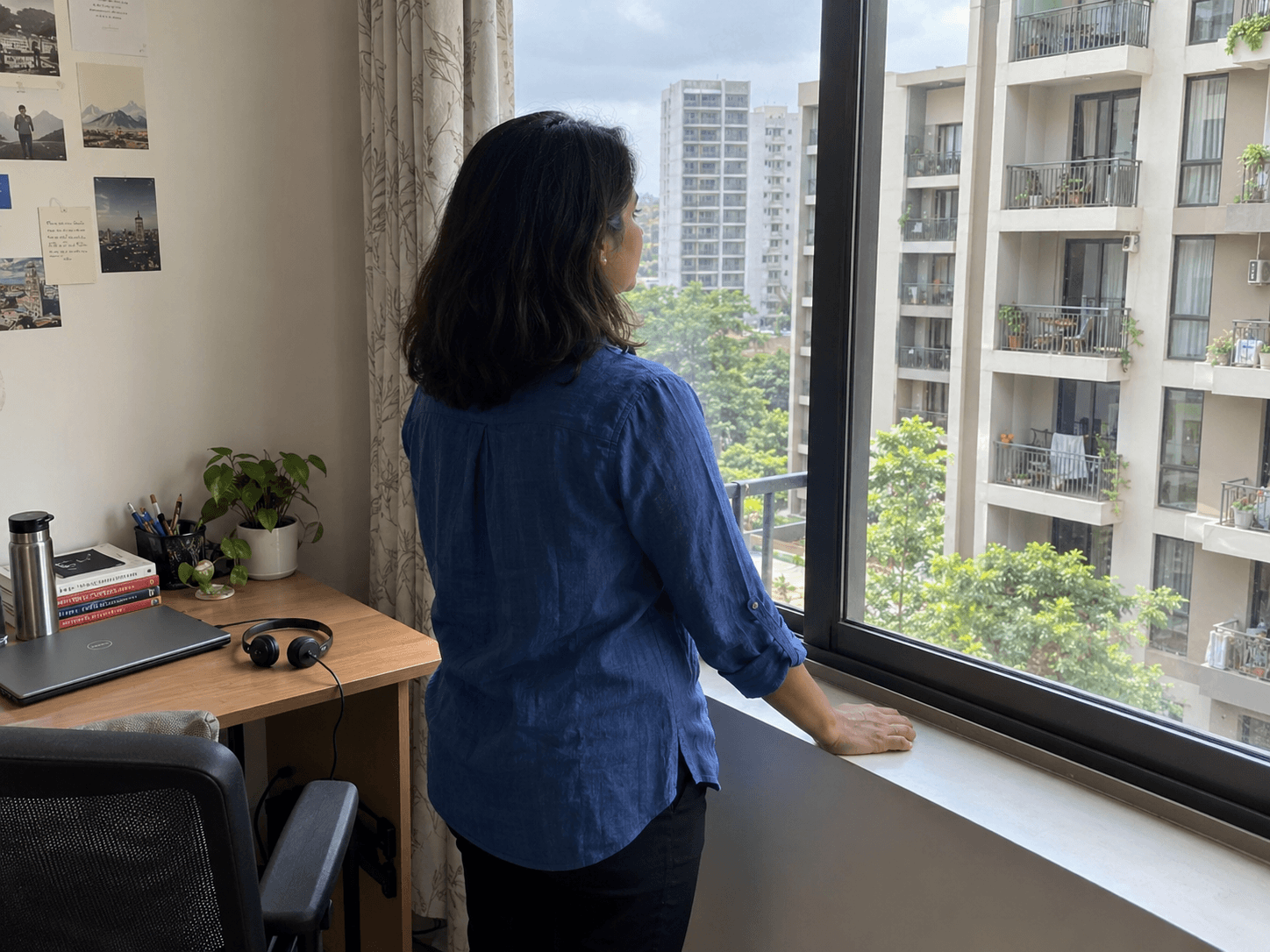
Choose an option you can actually repeat. Refill a drink, look outside or move to a different suitable seat. These are practical examples, not a prescribed treatment or a universal timetable.
If you keep dismissing the reminder, change the arrangement before adding more reminders. Leave a gap between calls where you control the calendar, or ask who can cover a continuous task. A break that exists only in an app is hard to take.
Persistent discomfort deserves attention to the workstation and appropriate professional advice. Adding a brief stretch does not resolve every equipment, workload or health problem.
Notes & citations
Article details
- Published
- Updated